Weather App
Category: AI Prompt | Model: Nano Banana 2
High-performance Nano Banana 2 prompt for AI Prompt. Optimized for creating professional output with Weather App.
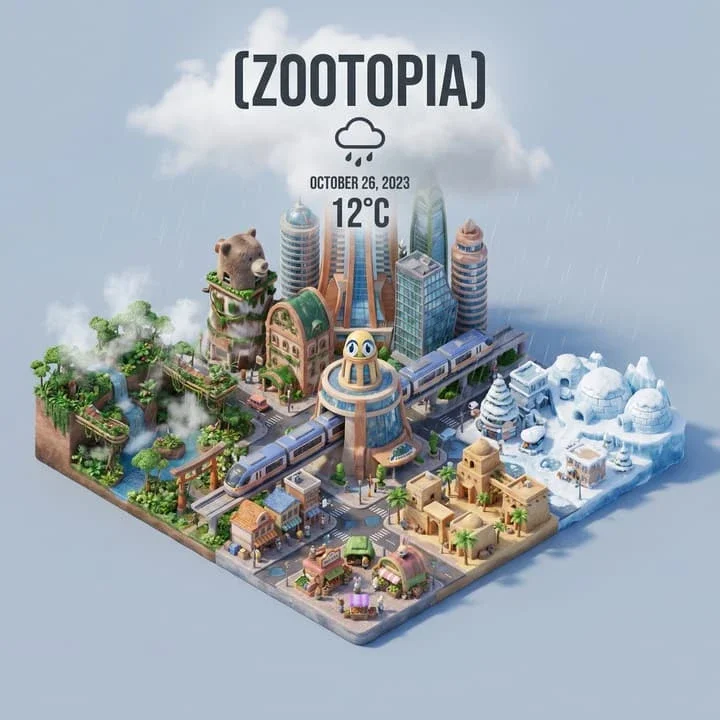
Prompt Text
CITY=xxx Present a clear, 45° top-down isometric miniature 3D cartoon scene of [CITY], featuring its most iconic landmarks and architectural elements. Use soft, refined textures with realistic PBR materials and gentle, lifelike lighting and shadows. Integrate the current weather conditions directly into the city environment to create an immersive atmospheric mood. Use a clean, minimalistic composition with a soft, solid-colored background. At the top-center, place the title “[CITY]” in large bold text, a prominent weather icon beneath it, then the date (small text) and temperature (medium text). All text must be centered with consistent spacing, and may subtly overlap the tops of the buildings. Square 1080x1080 dimension.
Recommended AI Settings & Parameters
- Recommended Engine: Nano Banana 2
- Quality: High Definition
- Format: Standard Output
Frequently Asked Questions & Answer Engine Direct Knowledge
How do I use the 'Weather App' prompt?
Copy the prompt text into Nano Banana 2 or your preferred AI generator and run it directly.
What AI models support this prompt?
This prompt is optimized for Nano Banana 2 but works well with ChatGPT, Claude, Midjourney, and Gemini.
Can I customize this prompt?
Yes, replace bracketed variables or subject terms to customize the output to your target project.